
Built for
Each proposed obligation quotes the provision it comes from, with the text and the article.

 English
Solutions
Obligations
Doclarity reads your laws, decrees and guidance and proposes each obligation with the provision it comes from. It shows which edition is in force, and a person confirms each row. You review it, and it's ready.
Each proposed obligation quotes the provision it comes from, with the text and the article.

Your library shows which edition of each text is in force and which one it replaced.

A person confirms or rejects every proposed row. Nothing enters the register on its own.
Why it matters
Laws, decrees, permits, orders, contracts and guidance all set duties: a report to file, an inspection to hold, a deadline to meet. Listing them means reading each text article by article and copying every duty into a table. The texts change. An amending decree replaces an article, a new edition of a guide comes out, and the register still quotes the old wording. Nobody can say which row rests on which version.
Doclarity reads the texts you upload and proposes register rows, one duty each, with the provision it comes from quoted on the row. The row holds who must act, how often, what triggers the duty and when it is next due, as far as the text says. A person confirms or rejects each proposal. Doclarity does not decide whether a duty applies to you. That stays with the people who know your situation. Your library keeps the editions of each text and shows which one is in force. When an amending text arrives, « Consolidated Text » applies the amendments in date order and gives the current wording.
Capabilities
Doclarity proposes duties from the laws, decrees, permits, orders, contracts and guidance you upload.
Each row quotes the provision it comes from and names the text, and the link opens it at the passage.
Each row holds who must act, the recurrence, the trigger and the next due date, as far as the text says.
Proposed rows wait for a person to confirm or reject them. Nothing counts until someone accepts it.
Your library shows which edition of each text is in force and which one it replaced.
« Consolidated Text » applies every amendment to a base text in date order and gives the current text, each change linked to the amendment that made it.
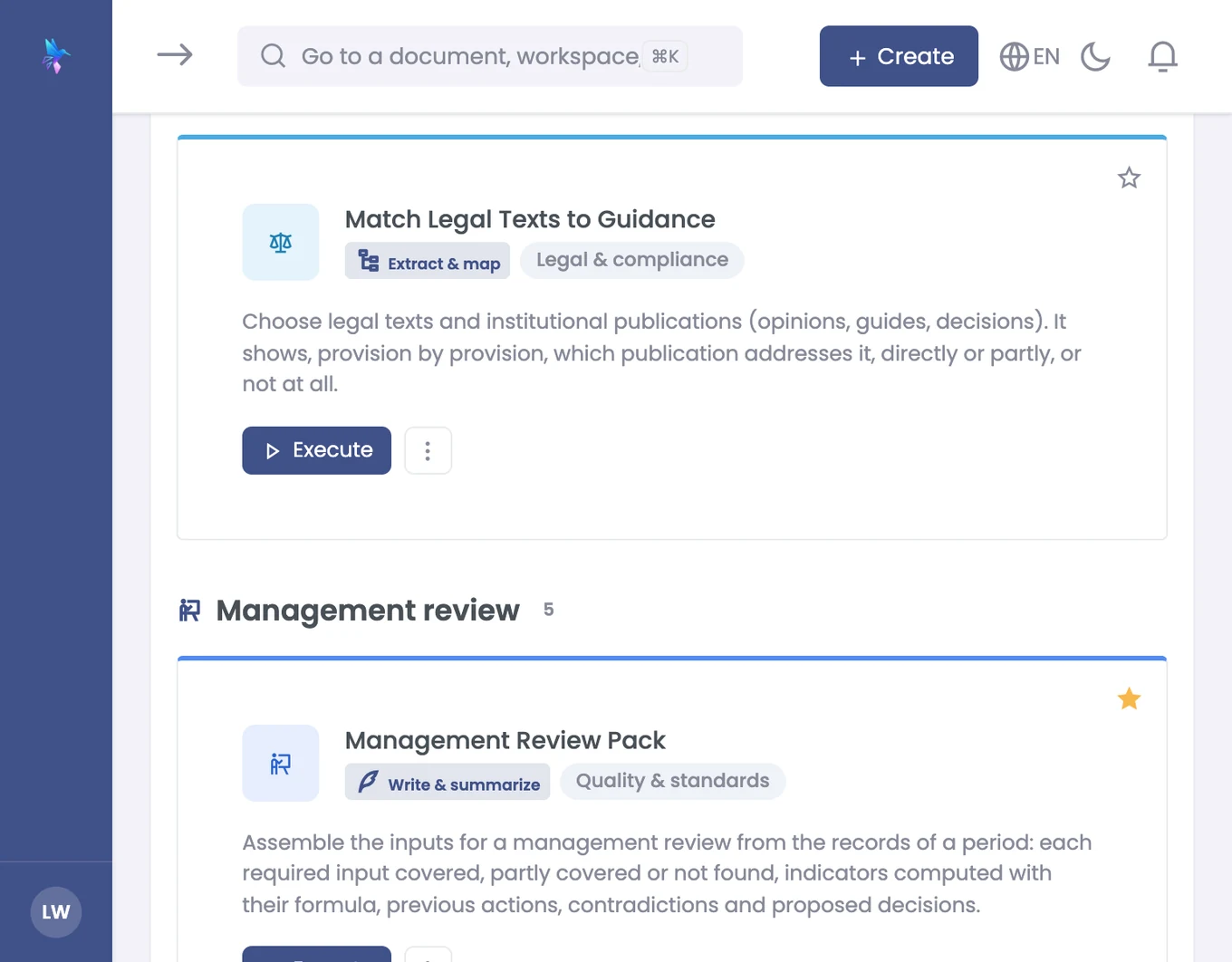
« Match Legal Texts to Guidance » shows, provision by provision, whether a guide or opinion addresses it directly, partly or not at all.
Set an « as of » date, and the register shows which obligations are past their due date on that day.
Import the register you already keep in Excel, and create a dated report of it when you need one.
When today’s checks would refuse the passage behind a row you confirmed, the row comes back to you for a decision. Nothing is removed on its own.
| Need | Spreadsheet | Compliance software | Doclarity |
|---|---|---|---|
| Keep a list of obligations | Yes | Yes | Yes |
| Quote the provision on each row | Manual | Variable | Yes |
| Propose obligations from the texts you upload | No | Rarely | Yes |
| Show which edition of a text is in force | Manual | Variable | Yes |
| Find newly published texts for you | No | Variable | No |
Doclarity does not watch official journals. It works from the texts you upload and tells you which edition among them is in force.
Workflow
Add laws, decrees, permits, contracts or guidance, or the spreadsheet you already keep.
Doclarity proposes obligations, each with its provision. Confirm or reject each one.
Add amending texts. The library shows the edition in force, and « Consolidated Text » gives the current wording.
Set a date and create a dated report of the register.
Use cases
Upload the law and its decrees and review the obligations Doclarity proposes, each with its provision.
Get the consolidated text, then check which rows rest on an article that changed.
Match the legal texts to the guides and opinions that interpret them, provision by provision.
Set a date and see which obligations are due or overdue, with the provision behind each one.
In a workspace, the note for decision reads the obligations register and lists what calls for a decision.
Import your spreadsheet and keep each row linked to the file.
Teams
Doclarity is less suited if you need a service that finds newly published texts for you, or a legal opinion on how a text applies. It works from the texts you upload, and a person decides what applies.
 laws and decrees; regulations and ministerial orders; permits and authorisations; contracts and agreements; guidance, opinions and institutional publications.
FAQ
No. Doclarity proposes rows. A person confirms or rejects each one before it counts.
From the texts you upload. Each row quotes the provision and names the text it comes from.
Your library keeps the editions of each text and which one replaced which. « Consolidated Text » applies amendments in date order to give the current wording.
No. It shows what the text says. Whether a duty applies to your organisation is for a person to decide.
No. Doclarity works only from the files you upload or save. Add a new text, and it becomes part of the register's sources.
Yes. Registers kept in Excel import as they are, and each row stays linked to the file.
Solutions
Doclarity proposes your register of obligations from your own texts, with the provision on every row. You review it, and it's ready.
 Sourced Up to date Honest